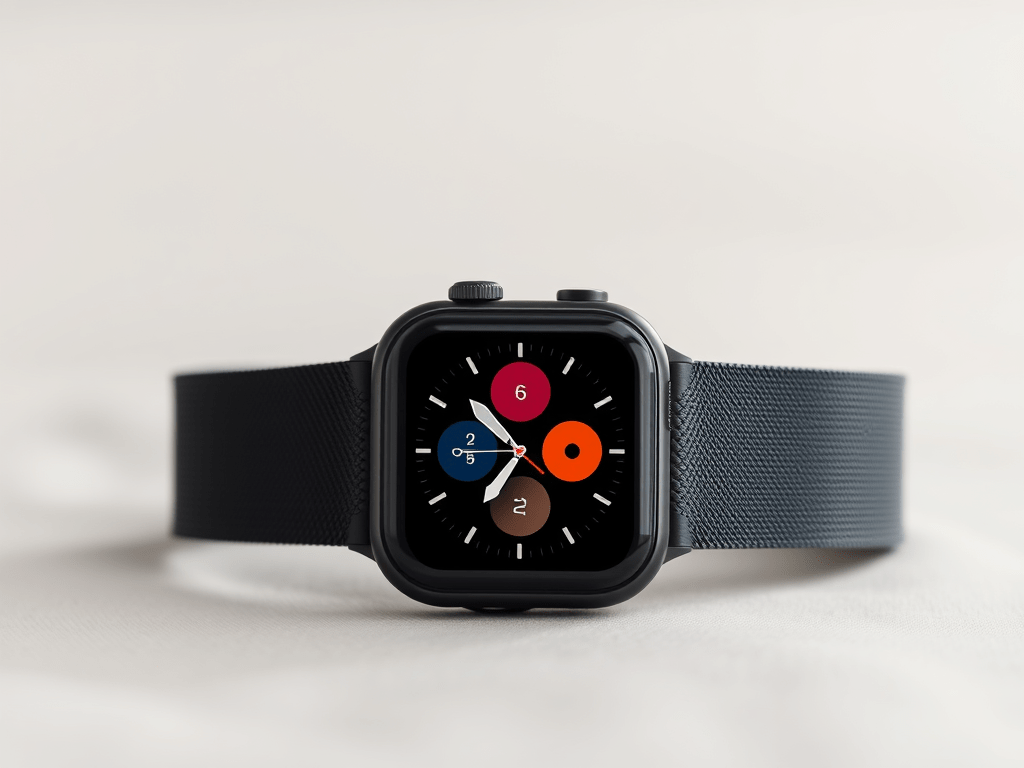

I’ve been an Apple Watch owner since its launch in 2015. I started with the original stainless steel model, then I moved to the Series 4 (2018/19), and now I have the Series 10 (2024/25 model).
My two older watches are still in great condition and working well. My daughter uses the Series 4, while my wife has the original. The Series 4 is still a decent watch, but the original is now quite slow.
When deciding to upgrade to the Series 10, several factors influenced my choice. First, the latest Series 10 supports fast charging, which means I can charge it while I’m in the shower. This allows me to wear it all day and monitor my sleep without having to switch between two Apple Watches (which I’ve done in the past).
The always-on screen is also a big plus for me. I like the idea of being able to glance at on-screen data without raising my wrist, just like my iPhone. Additionally, the larger screen and the latest hardware and software make it much faster.
Some of the latest health tracking features for sleep, sleep apnea, wrist temperature, and blood oxygen are also appealing.

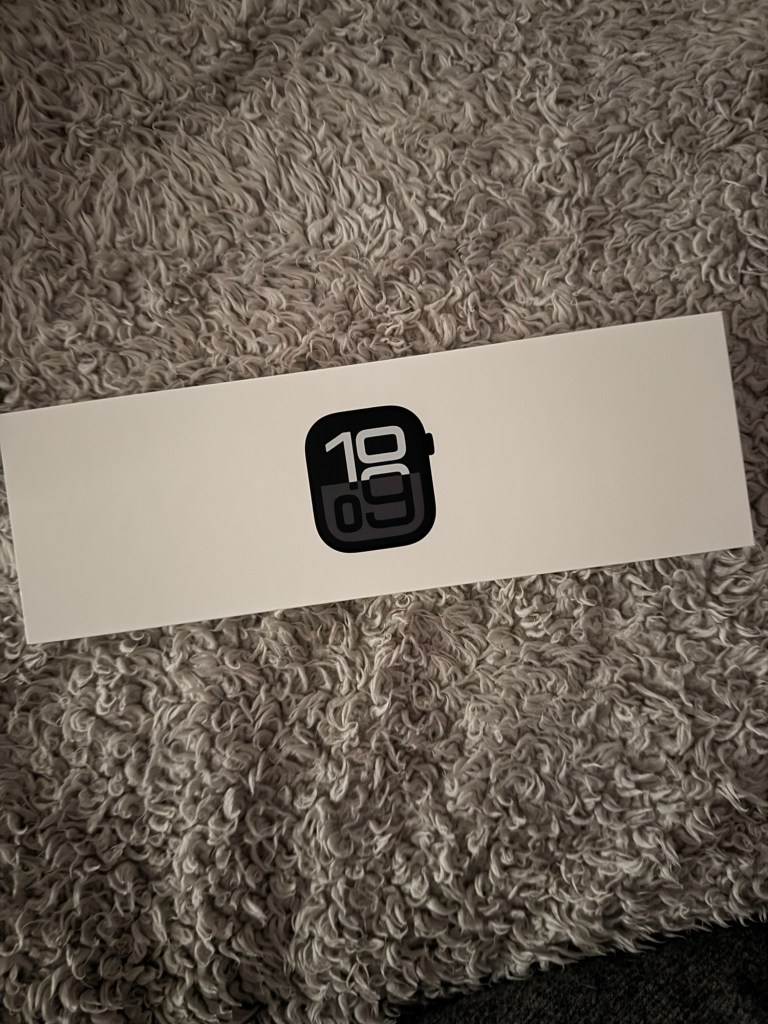
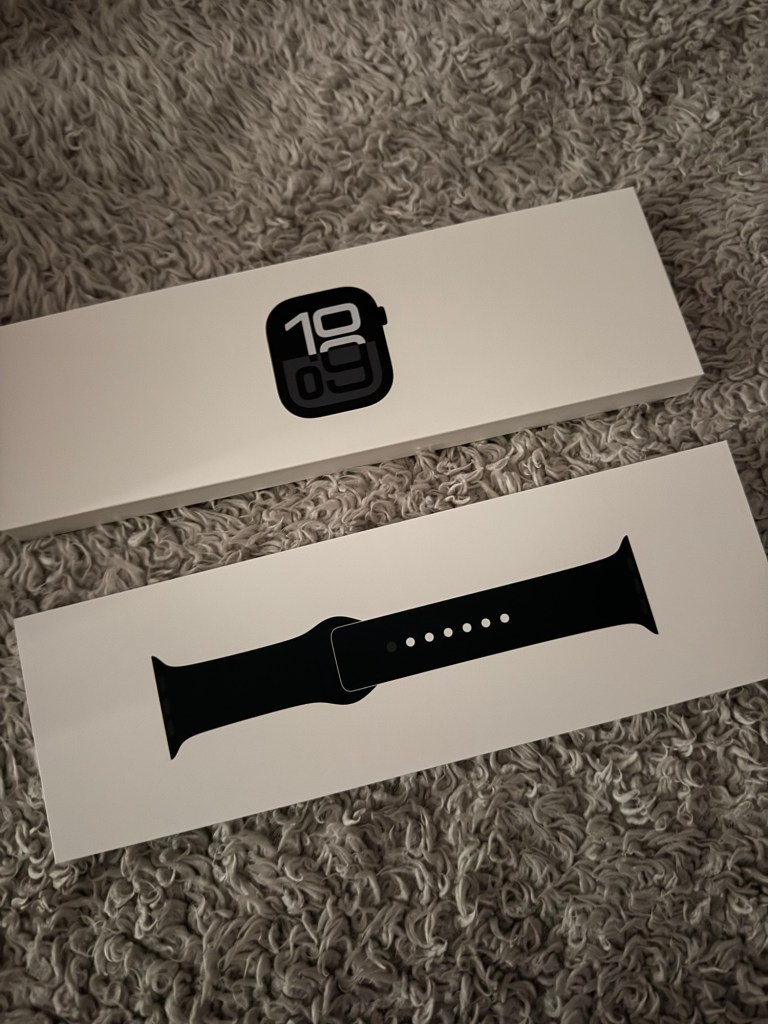


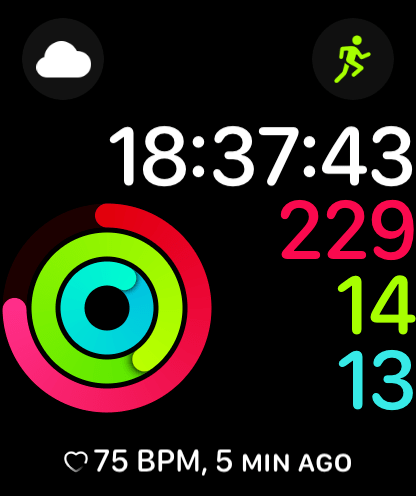
Opening the watch and installing it on my iPhone was a quick and easy process. The software guided me through the main setup, and I then explored the setting menus within the watch and iPhone watch app to choose watch faces and configuration settings. With so much choice and personalisation options, I kept tweaking the settings until everything worked exactly as I wanted for the first week of ownership. I found helpful YouTube videos and lesser-known settings that provided additional guidance.
Initially, I could have restored the cloud save from my previous watch, but I decided to set up as a brand new watch and configure it. This way, I could discover all the new benefits and features.
Upon removal from the packaging, the watch looked impressive. It was noticeably larger than my Series 4, thanks to the new 46mm screen and case size. The aluminium and black body is lightweight, but as the provided black sports band was quite ordinary, I opted for a black metal chain strap (a copy of the Apple Milanese loop) from Amazon to give it a more sophisticated look. I already had a USB-C charger handy to support fast charging, and the battery was quite low on first switching the watch on, so I quickly charged it up. The theory is that a 30-minute charge during a shower should charge the watch to about 80% and keep it going with minimal daily charging time. So far, everything has been working well, and it’s one of the main benefits of upgrading.
The new larger always-on screen is incredibly useful, and the watch’s size on my wrist is perfect. It’s neither too big nor ugly, and it’s comfortable to wear. While it’s the largest of the standard Apple watches, it’s now slimmer in build height. I set the screen to the brightest levels, and I can tell that the screen is much improved. It’s also useful to be able to side-glance at the screen without having to raise my arm. Of course, you can switch off the always-on screen if you want to save battery, or you can limit the information on the screen unless you raise your wrist.
The watch’s hardware and software provide much more health monitoring than I had previously been used too, including blood oxygen levels, wrist temperature, improved sleep monitoring and sleep apnea alerts. ECG and heart monitoring remain, and cycle tracking for ovulation is available when applicable/needed. There’s also a new vitals overview app that monitors all your health readings and can track any health changes to give you a quick overview of your health measures and changes. You have to wait 7 days before the app appears on your watch, as you have to allow data to be gathered. As I use the watch more, I expect it to better monitor my health and be able to indicate if I’m likely getting run down or sick, or if I’m in good health. After a week, all my vitals appeared within range. This should be useful functionality and I will keep monitoring to learn what signs/indicators that I need to watch out for.
The health monitoring and progress tracking when exercising are also worth noting. I use the watch to motivate me to walk, and I find it useful to use the watch to track my walks, fitness levels, and map my walks. The ability to listen to music via connecting AirPods is also handy. While I normally play music directly from my iPhone, it’s convenient to know that I have options. I can also quickly view on my watch what is playing and skip tracks etc.
An unexpected feature I had heard about but didn’t consider when choosing the Series 10 watch was the double tap. It allows one-handed operation and scrolling through menus by tapping your thumb and forefinger together. It sounded exciting, but in truth, I didn’t find it to be that amazing. Functionality seems limited, and if a method to scroll and select an option was available, it would be better. Just scrolling through a menu offers limited possibilities, and you have to touch the watch to select. Within the menu, you can also set to play/pause media.
The double tap feature isn’t a reason in itself to upgrade, but I’m using it while walking and will update if I make any progress. I tried experimenting with additional settings in the accessibility menu to enhance the feature, but it didn’t work.
Overall, I’m really pleased with the Series 10 watch. They last a long time if you look after them and the upgrade appears worthwhile. This new model is much faster than my previous one, and I appreciate the screen size, always-on display, and improved health tracking when exercising or walking. I’ll definitely stick with this model for a long time, and I’m curious to see what Apple adds in the future. As a wearable device, I understand that there are likely many more possibilities in the future.
One thing I’m looking forward to is blood pressure monitoring, but I appreciate that it’s unlikely to be an exact reading and might be a more general method to monitor general changes.
Lastly, I should mention that the blood oxygen levels feature is very useful, but unfortunately, it’s not available in the US due to legal proceedings.









One response to “Apple Watch Series 10 Review”
[…] I decided to buy a new Apple Watch during the month to help me monitor my fitness and exercise levels, especially when walking and during the day. I had been using an Apple Watch Series 4, but my new Series 10 offers many more features. You can read a review of it here. […]
LikeLike