
It’s that time of year, of course, where we all start to think about weight loss. As someone who has struggled with their weight, I often find myself having to consider dieting.
I won’t bore you with the diet, but I wanted to talk about the NutraCheck app for counting calories and share my thoughts.
When downloading the app from available app stores, you do need to sign up. I was given a week’s free trial and then you need to sign up as a monthly or annual subscriber if the app meets your needs. I signed up for a year as just £26 currently (on offer until 10 Feb) instead of paying monthly.
I have used this app in the past and like it as it is straightforward to use. You set your calories available per day after calculating weight, height, and age, etc., and off you go. You can then log all food entries under meal times along with drinks and exercise.
The subscription is very reasonable compared to competitors. In the past, I tried “My Fitness Pal” but really did not get on with the interface. This app is as free, which is a bonus.
NutraCheck has easy tabs within the app to select your food diary, monitor progress, and settings. Scanning and logging food is easy, and I find a high success rate with the app recognising most foods accurately when scanning barcodes. The food database of UK products helps.
The app has lots of extra features, which include recipes and even the calories of high street and fast food restaurants. You can also connect other devices to the app, such as your Apple Watch or Garmin products, to monitor exercise and steps for days. This is useful and can be set to allow additional calories that you have wasn’t to be added to your daily allowance if you wish.
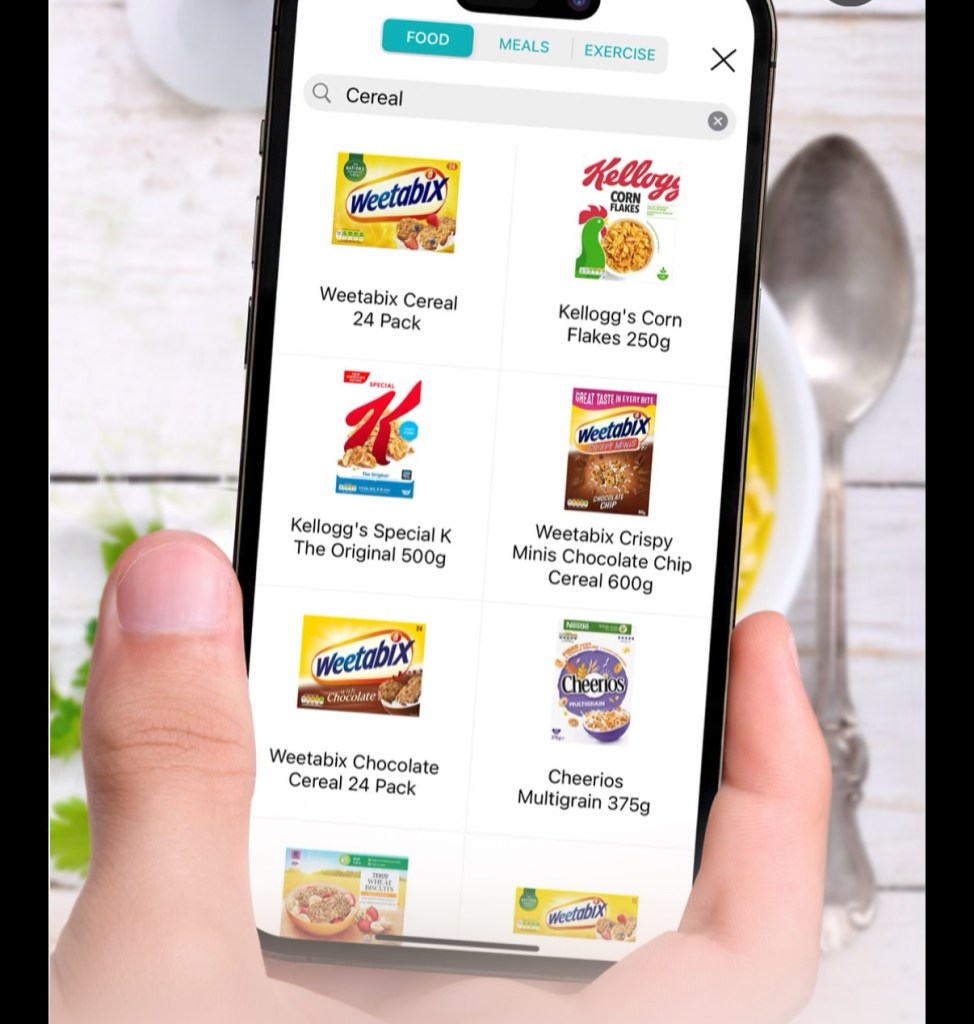
Customisation within the app is excellent. There are about an extra four pages accessible in the app to set options and customise the app as you wish. Additional counters, for instance, can be set to log water, alcohol, or other intake.
In the past, I have successfully used this app to lose weight as it gets me thinking about food choices and their calorie values. As I make progress and log my weight, the app helps you achieve set goals.
In my opinion, this is not only the cheapest calorie counting app, it is the best. Everything works as you expect and there are a lot of customisable options. My wife who previously used “My Fitness Pal” has also swapped to this and she is finding it easier.
What app do you use for calorie counting? Or do you use NutraCheck as well? Comment below.